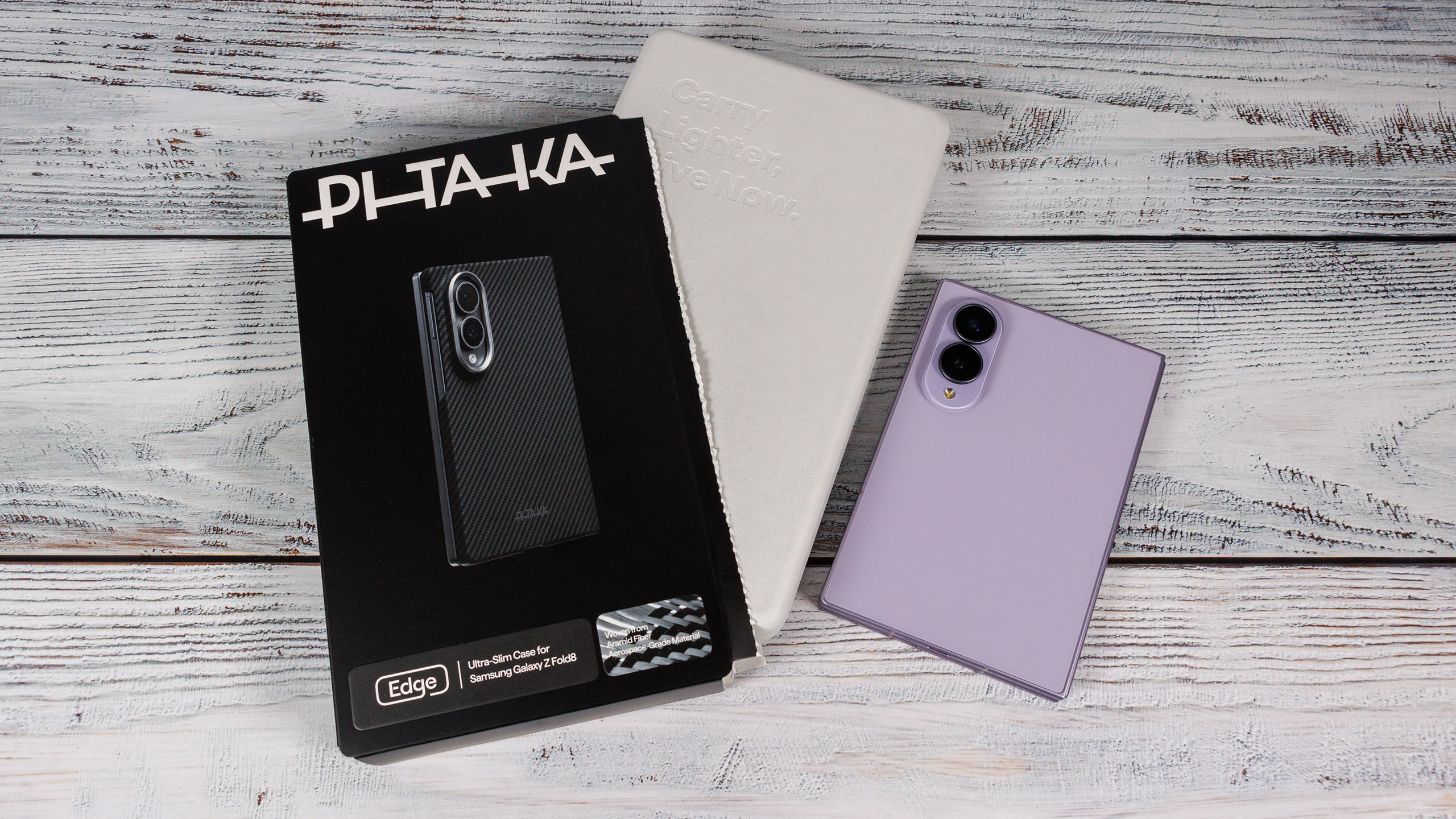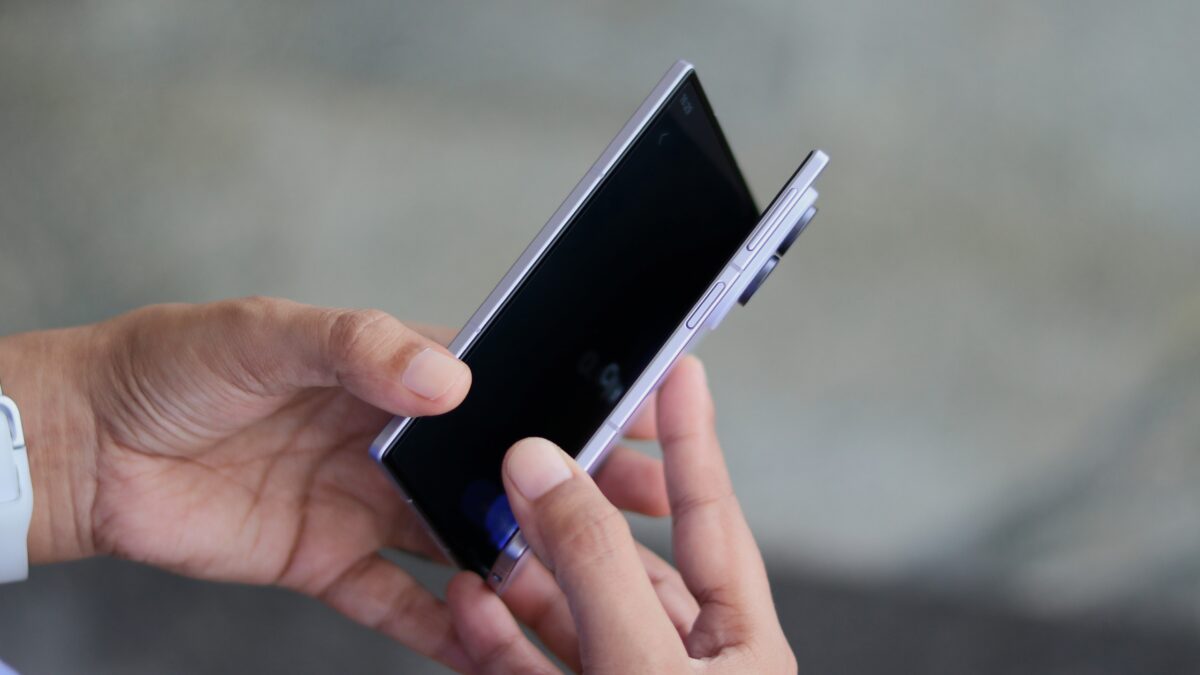
- Samsung’s Galaxy Z Fold 8 has a Flex Mode setting that lets it sit in tent or stand modes without a kickstand case or accessories.
- The feature is useful for watching content hands-free on a nightstand, in the kitchen, or while multitasking with another screen.
- It can also work with wireless charging, and the phone can auto-rotate only when partially folded while staying portrait on the cover screen.
- The Always On Display, combined with Flex Mode, makes the nightstand clock-like look possible and looks fantastic.
- When video content isn't running, the Fold 8 in stand mode on a nightstand reminds the author of old, nightstand folding clocks.
Samsung's Galaxy Z Fold 8 features a new Flex Mode that allows users to position the device in tent or stand modes without needing a kickstand. This innovative setting is particularly beneficial for hands-free viewing, whether on a nightstand, in the kitchen, or while multitasking.12345
The Flex Mode is designed for convenience, enabling users to watch content comfortably without propping the device against other objects. As one reviewer noted, it is especially useful when cooking or gaming, allowing for a secondary screen to watch videos simultaneously.
The phone's functionality extends to wireless charging, maintaining its usability even when partially folded. Users can enjoy the Always On Display feature while the phone is in stand mode, making it reminiscent of traditional nightstand folding clocks. This combination not only enhances the aesthetic appeal but also provides practical benefits, such as charging while watching content.6789
To activate this feature, users simply need to adjust the Auto-Rotate settings, ensuring the home screen remains locked in portrait mode when using the cover screen. This flexibility allows for a tailored user experience, catering to various viewing preferences.
Overall, the Galaxy Z Fold 8's Flex Mode stands out as a significant enhancement, making it a versatile device for modern multitasking needs.
“The Flex Mode works with wireless charging, allowing the phone to charge while displaying content on a nightstand. Users can enable it by holding the Auto-Rotate toggle and tapping 'Auto rotate when partially folded'.”
 SamMobile