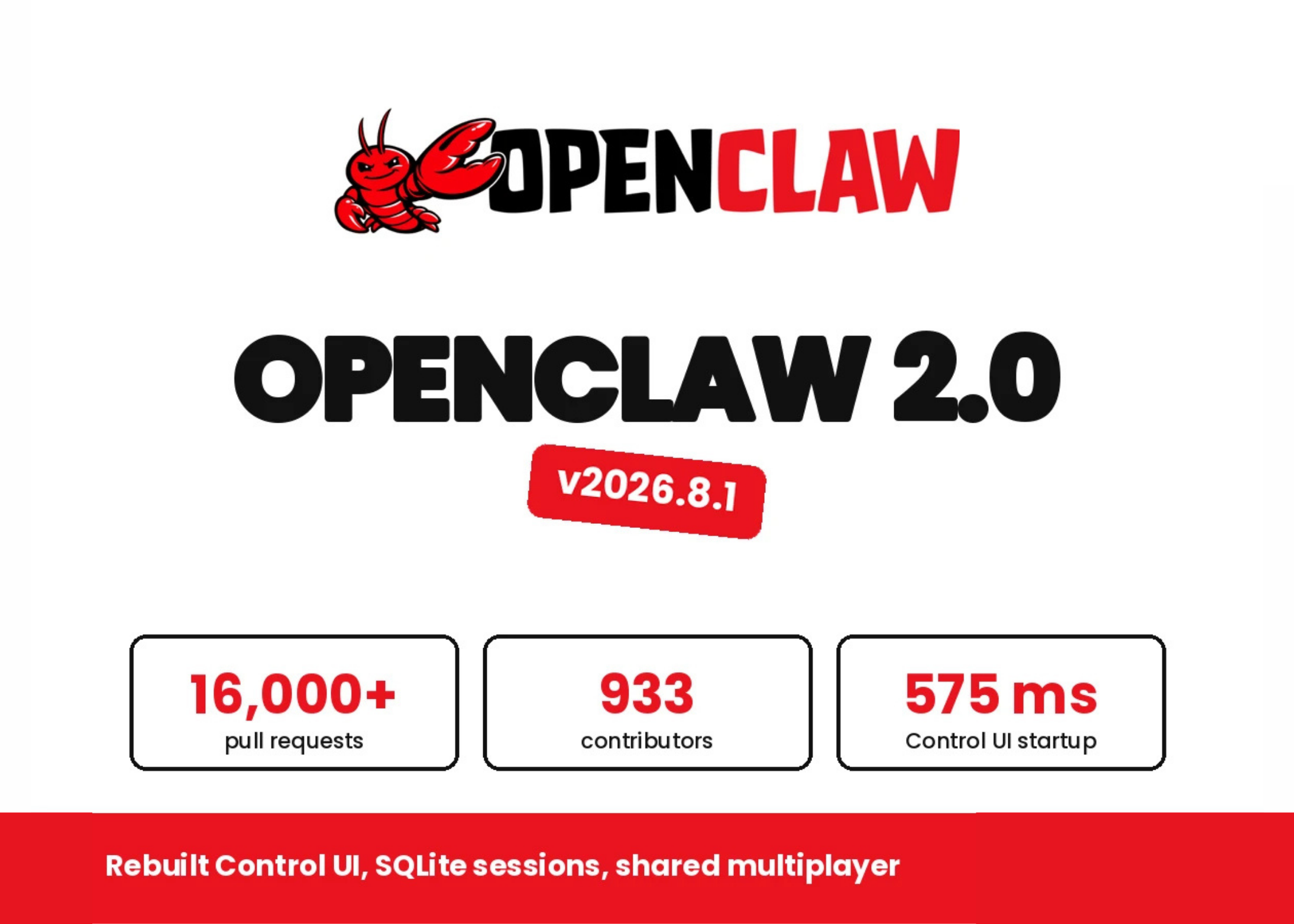
- OpenClaw 2.0 has been released, featuring a simplified setup, a rebuilt browser app, and multiplayer sessions.
- The new browser app opens a conversation right away, letting users continue setup, pick up ongoing work, or track tasks in real time, with additional settings adjustable later during a conversation.
- Multiplayer sessions allow multiple users to work on the same tasks, pulling team members into ongoing work or assigning them tasks with their context; OpenClaw's own team uses this feature to build OpenClaw itself.
- A new "Session Rail" is a compact status display inside the chat showing progress of a running session, including ratings, plan progress, and pull requests.
- An integrated companion thread lets users ask questions about the current session without interrupting the agent.
- Sessions can run in three places: on the local gateway (default), on the user's own hardware via
openclaw connect(Paired Devices), or on rented disposable machines through the provisioning tool supporting backends like AWS and Hetzner; provider credentials always stay on the gateway and never reach the remote machine. - Beyond these three updates, the release notes list changes to messaging, memory, skills, model support, automations, native apps, plugins, and security.
OpenClaw 2.0 marks a significant milestone for the open-source AI platform, introducing a streamlined onboarding process that detects existing resources like ChatGPT subscriptions and API keys, reducing setup complexity. Users can now initiate conversations immediately, allowing them to continue setup or track tasks in real time.12
The new Session Rail feature provides a compact status display within the chat, showing live progress on tasks, ratings, and pull requests. This enhancement facilitates collaboration, enabling multiple users to work on the same tasks and assign roles without disrupting ongoing sessions.7
Sessions can be conducted in three environments: on the local gateway, on user hardware via `openclaw connect`, or on rented machines through a provisioning tool that supports AWS and Hetzner. Notably, provider credentials remain secure on the gateway, never reaching remote machines.910
Beyond these features, the release includes updates to messaging, memory, skills, model support, automations, native apps, plugins, and security, reflecting the project's commitment to continuous improvement and user experience.11
“The browser app now opens a conversation immediately, allowing users to continue setup or track tasks in real time. Sessions can run on a local gateway, paired devices, or rented machines via AWS and Hetzner, with credentials staying on the gateway.”