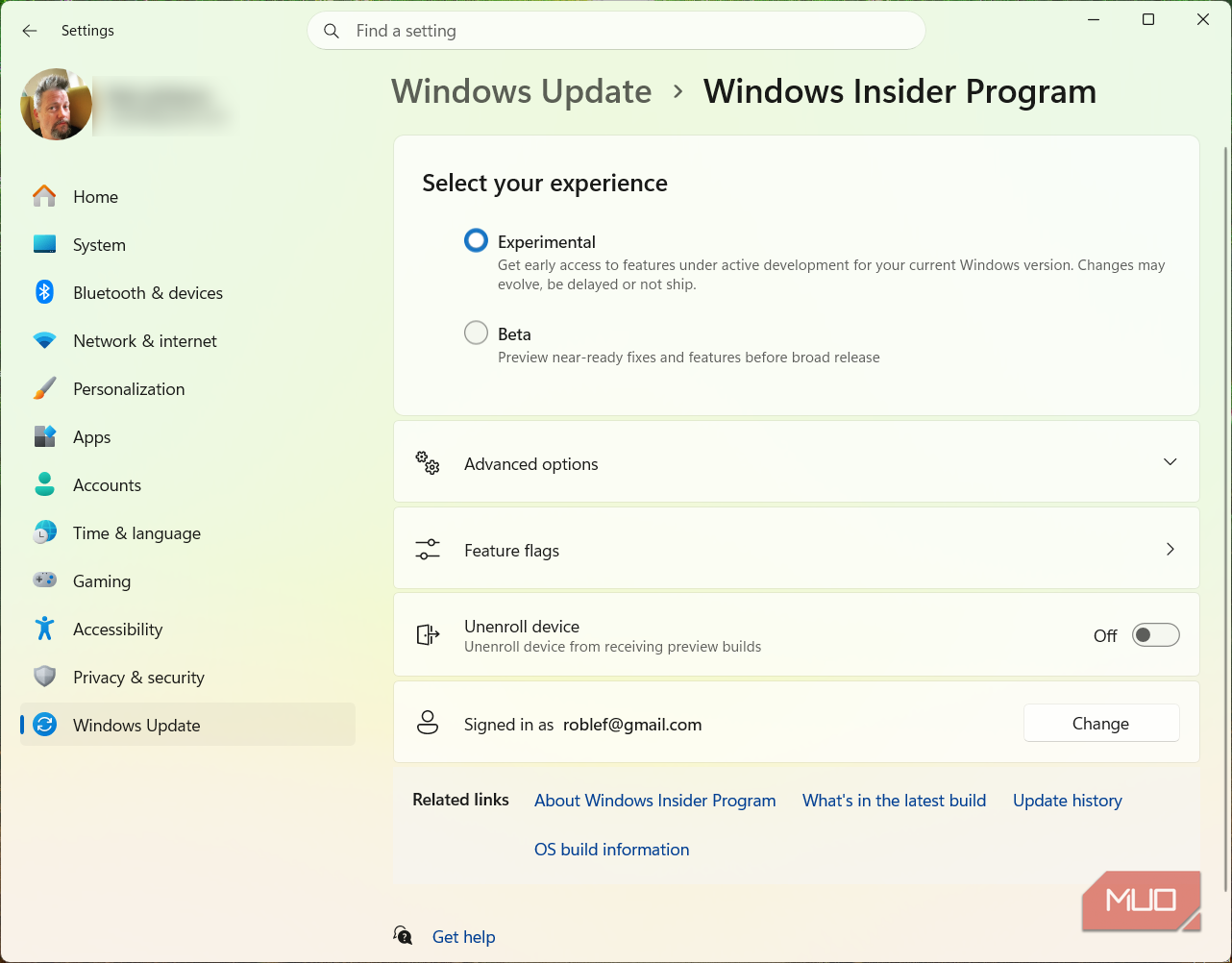
- Today, we’re releasing new Windows 11 Insider Preview builds to the Beta and Experimental Channels.
- We’ve fixed the issue causing the Feature Flags list to show empty for Insiders in the Experimental channel; they should now reappear after installation of the latest Experimental build.
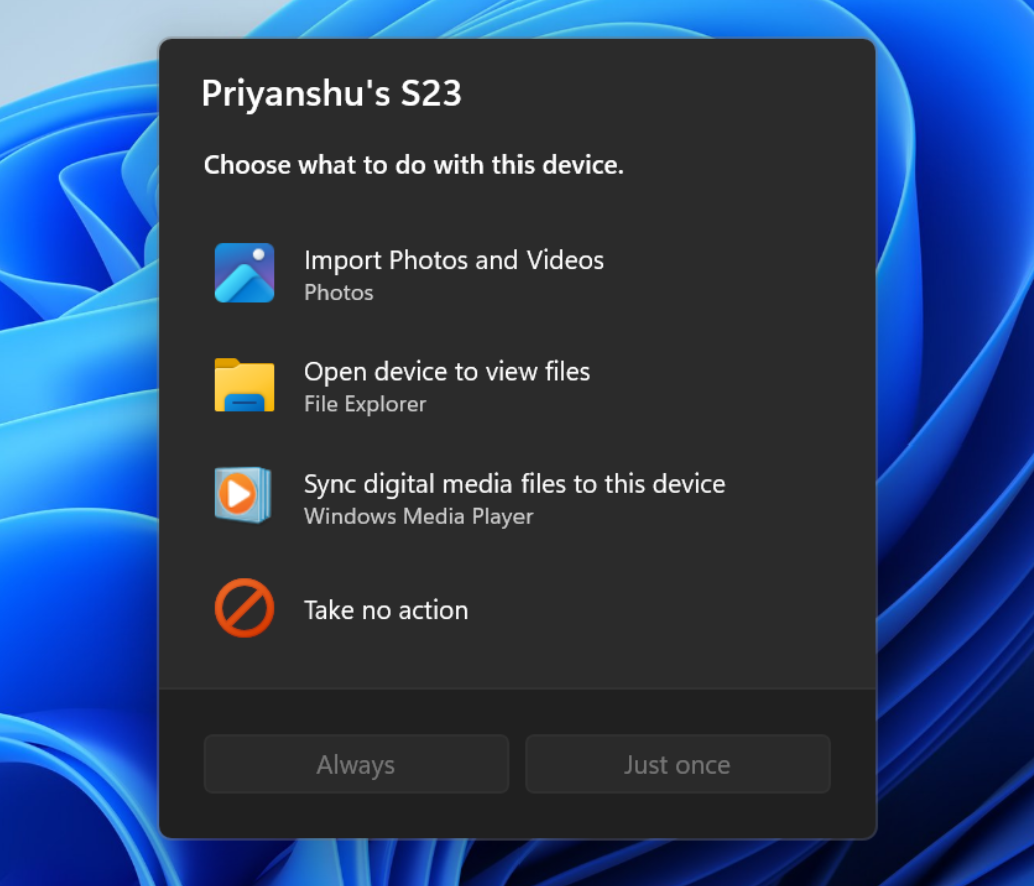
- We’ve updated the AutoPlay dialog to be more consistent with the rest of Windows, supports dark mode, and is more responsive to text scaling and display settings; notifications are now docked in the notification center.
- We are introducing a new accessibility setting, “Open apps maximized”, that automatically maximizes app windows when they open, removing everyday friction for users with screen readers, magnification, tablet mode, or a preference for a full-screen workspace.
- To enable it, go to Settings > Accessibility > Visual effects and switch on Open apps maximized; once enabled, Windows maximizes app windows for you as they open.
Microsoft has rolled out new Windows 11 Insider Preview builds to the Beta and Experimental channels, enhancing user experience and accessibility.12
The update resolves the issue of an empty Feature Flags list for Insiders in the Experimental channel, allowing users to see the Feature Flags again after installation.
Additionally, the AutoPlay dialog has been revamped to support dark mode, providing a more consistent experience across Windows. This dialog assists users in selecting preferred actions when connecting devices like phones or cameras. The new design is more responsive to text scaling and display settings, with notifications now docked in the notification center for easy access.3
Furthermore, a new accessibility feature, “Open apps maximized,” has been introduced. This setting automatically maximizes app windows upon opening, reducing everyday friction for users, especially those utilizing screen readers or working in tablet mode. Users can enable this feature by navigating to Settings > Accessibility > Visual effects.5
Microsoft continues to enhance Windows 11, focusing on user-friendly features and accessibility improvements, ensuring a smoother experience for all users.
“The updated AutoPlay dialog now docks notifications in the notification center and supports text scaling and display settings. A new 'Open apps maximized' accessibility setting, found under Settings > Accessibility > Visual effects, automatically maximizes app windows for users with screen readers or magnification.”