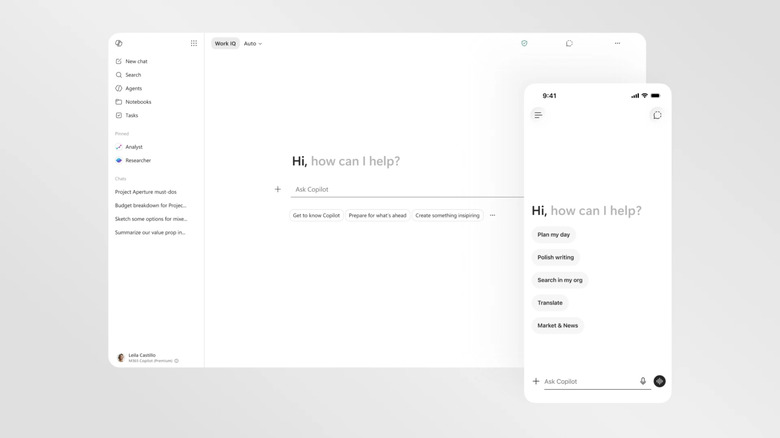
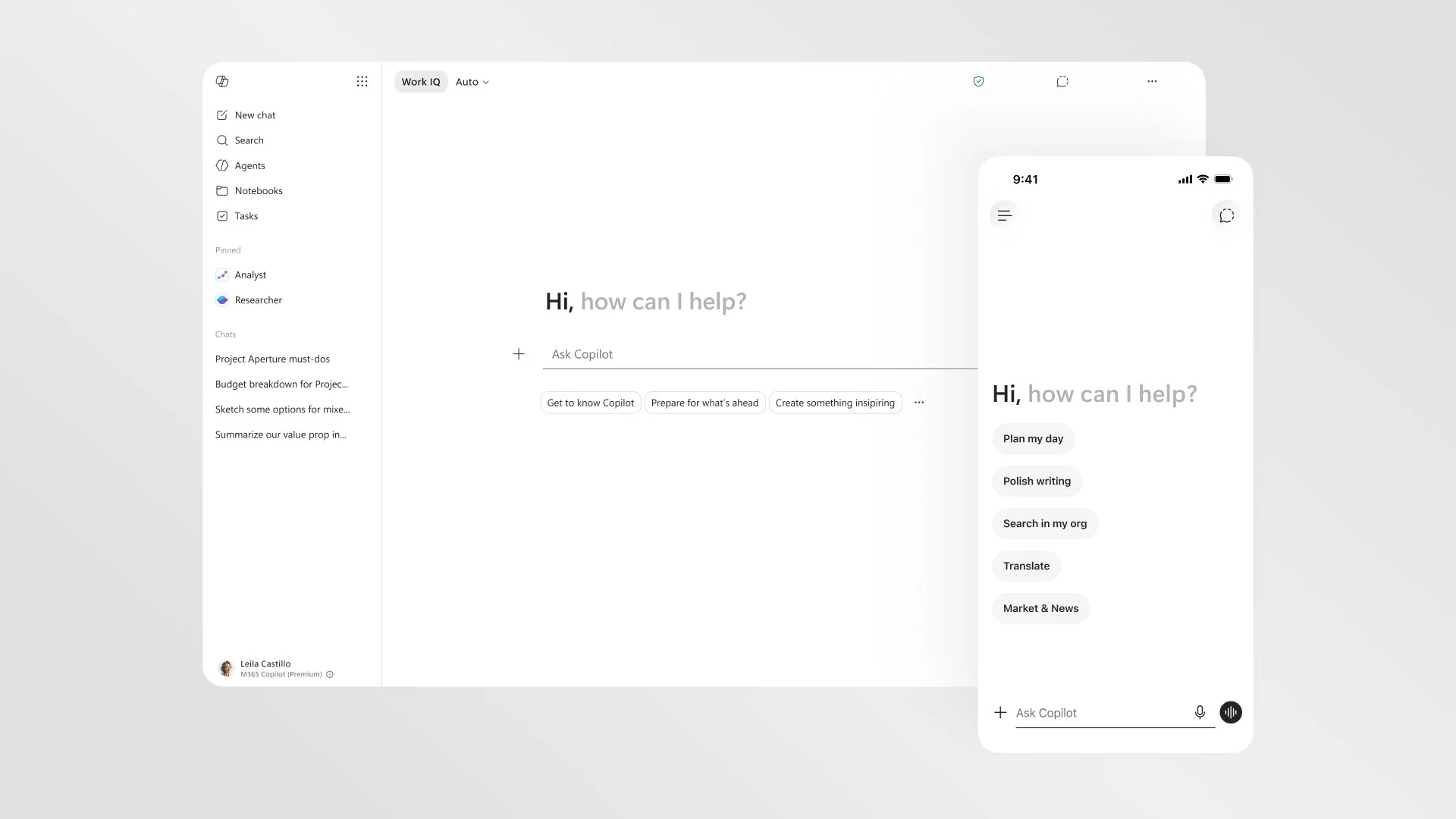
Microsoft is enhancing its Copilot AI assistant to align more closely with user needs, introducing significant changes that are both practical and aesthetic. Aiming to streamline task management, the new Copilot loads more than
twice as fast and offers users customized controls.
Jon Friedman, Microsoft’s first chief design officer for Microsoft 365, emphasizes this shift, stating,
"How we move forward is to bend the speed of technology to the speed and need of humanity", indicating a focus on user-centered design.
The revamped interface shifts the AI's appearance to a
largely black and white, text-forward design, enhancing readability and responsiveness. Significantly, the AI’s personality has been stripped to ensure a more consistent experience across applications like
Word, PowerPoint, and Excel.
Copilot now features
contextually aware suggestions that aid users without overwhelming them, with a goal of making AI assistance both helpful and unobtrusive.
Moreover, users can implement a
'read-only' approach to interactions, crucially allowing them to lock Copilot's functions to specific document areas, preventing unintended changes. This design overhaul reflects Microsoft’s commitment to crafting an AI that feels
present but not imposing.
Sources: 
Microsoft is revamping its Copilot AI assistant to enhance usability, introducing a new design aimed at making it faster and simpler. Key updates include contextually aware suggestions, a streamlined interface, and user controls such as read-only options, improving productivity across Microsoft 365 applications.