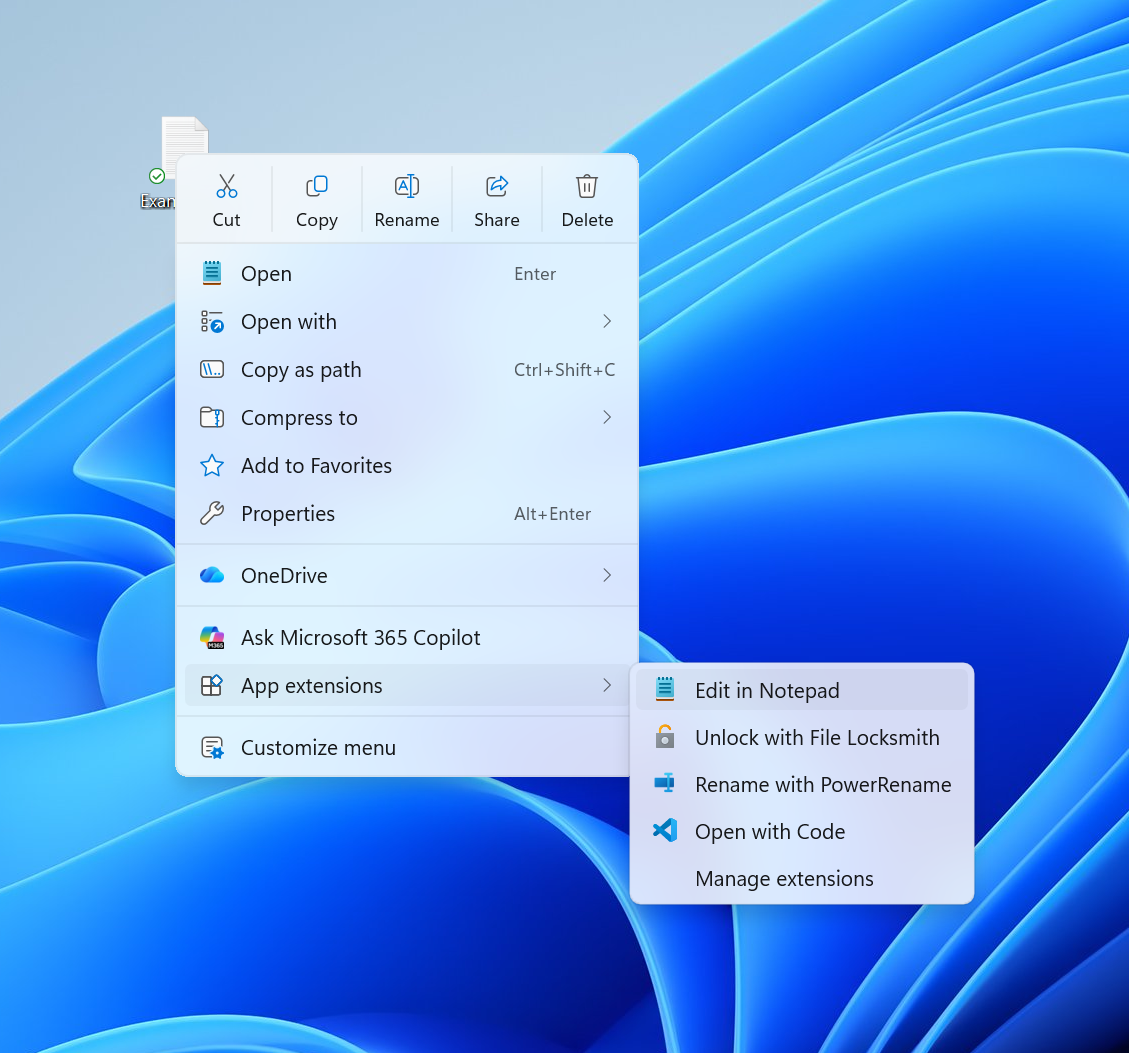
- Files v4.2.7 speeds up Windows 11's sluggish context menu and improves memory use, ahead of Microsoft's own planned File Explorer optimizations.
- Improved context menu performance - Opening the right-click context menu is now noticeably faster and more responsive.
- Reduced memory usage after closing tabs - Files now frees up more memory when tabs are closed, helping keep the app lightweight during long sessions.
- The optimization trend extends to multitasking in Files, as v4.2.7 also improves its memory cleanup habits when any tabs are closed.
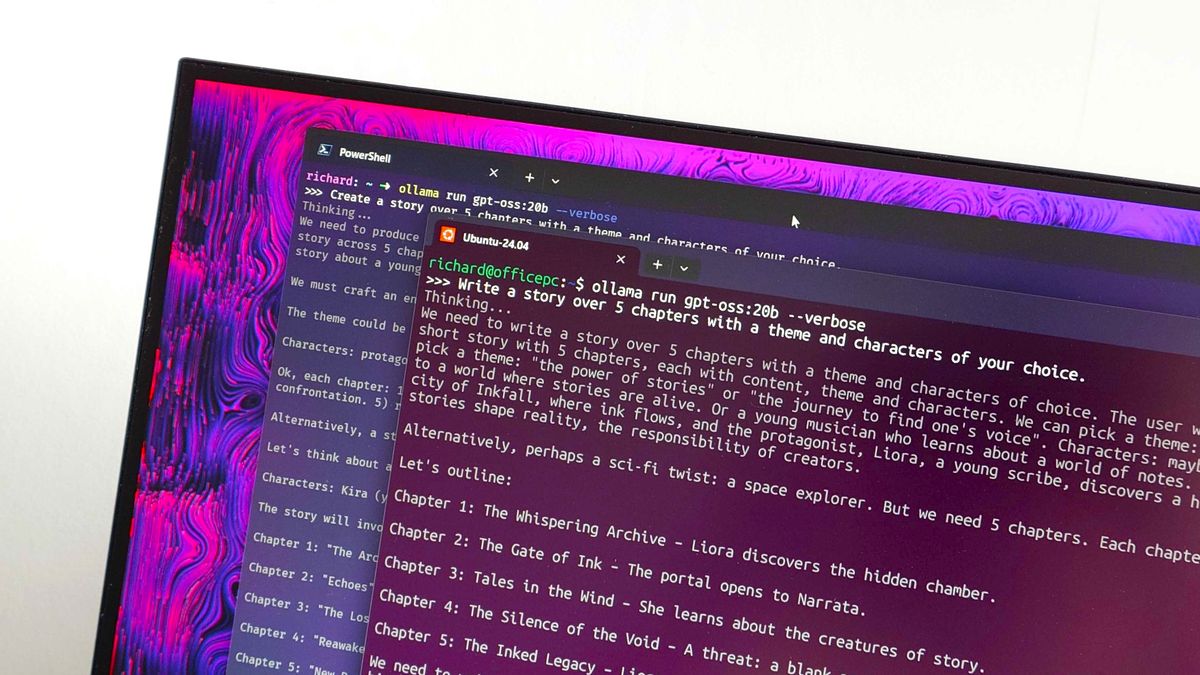
- Anything that lowers my RAM usage is a winner in my eyes, whether it comes from Microsoft or elsewhere.
Files v4.2.7 has significantly enhanced the Windows 11 context menu, making it faster and more responsive, addressing long-standing performance issues. This update comes ahead of Microsoft's planned File Explorer optimizations.14
The update notably improves multitasking capabilities, as it optimizes memory cleanup when tabs are closed. Users will experience reduced memory usage, which helps maintain a lightweight application during extended use. “Anything that lowers my RAM usage is a winner in my eyes, whether it comes from Microsoft or elsewhere,” remarked a user, highlighting the importance of efficiency in software performance.35
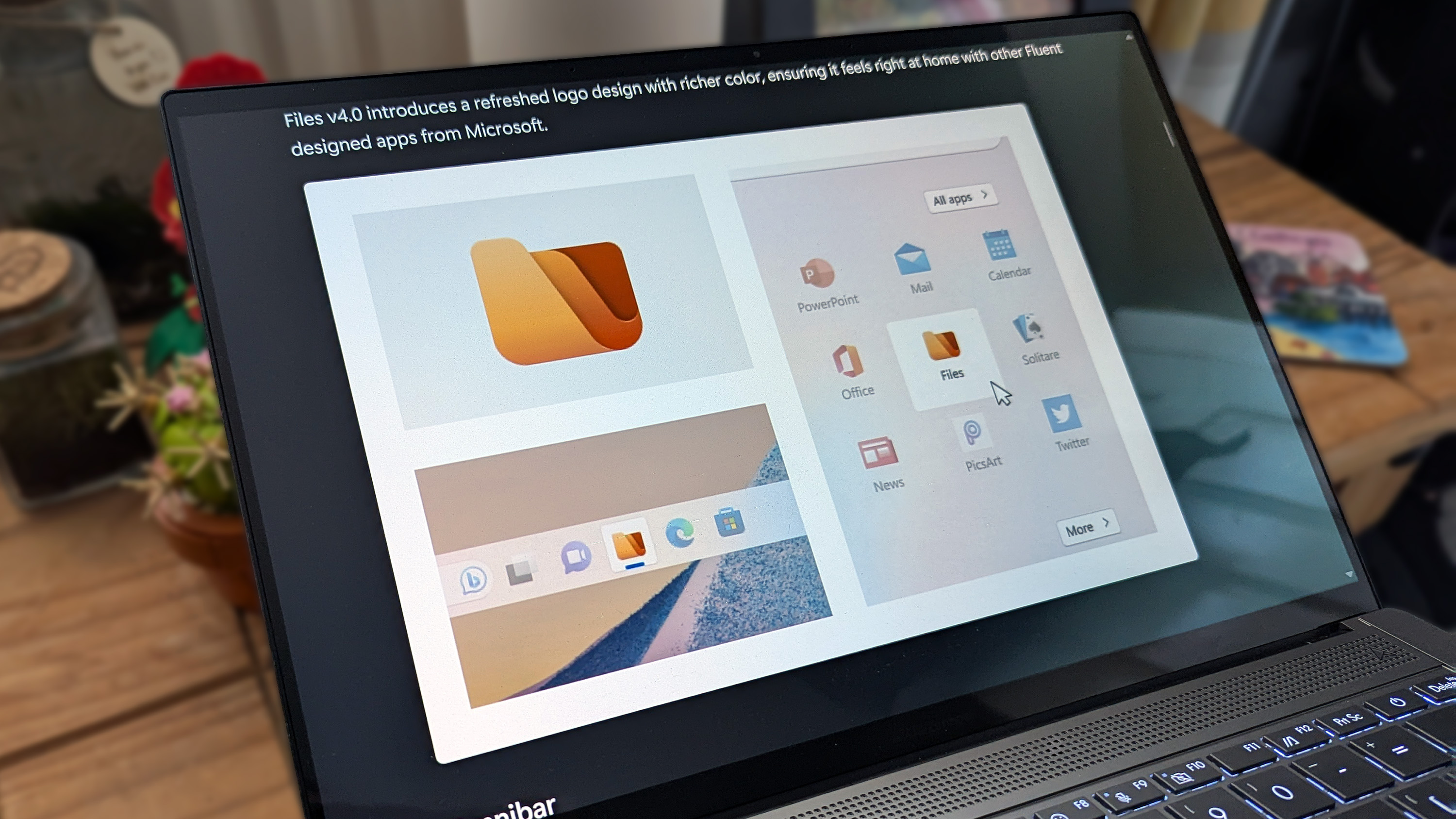
Overall, Files v4.2.7 represents a significant step towards enhancing user experience on Windows 11, ensuring that the context menu operates smoothly while also preparing for future updates from Microsoft.
“The update significantly speeds up the right-click context menu, making it noticeably faster and more responsive. Additionally, Files v4.2.7 optimizes memory cleanup when tabs are closed, helping maintain a lightweight app experience during extended use.”
 Windows Central