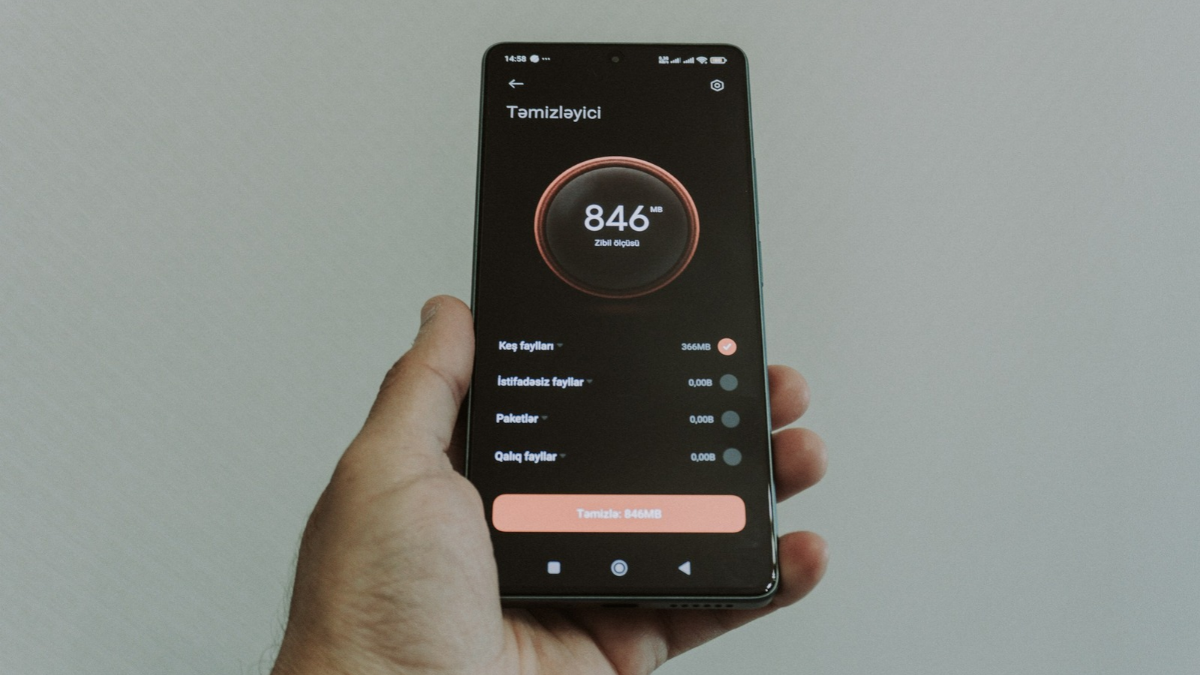
- Google offers two different ways to let you see which apps are taking up the most storage space on your Android phone.
- A Tom's Guide poll reveals that 42% of respondents blame photos/videos and 41% blame app cache for storage issues.
- A step-by-step guide explains how to check app storage via Settings and Files app, and how to clear cache or uninstall apps.
- Apps on Android phones have become significantly larger in recent years, occupying a big portion of your handset's onboard storage.
- Identifying and deleting apps will help your Android phone offer better multitasking performance.
- Photos and videos are the single biggest storage drain, making up 42% of responses.
- The second-biggest culprit, taking 41% of the vote, is the invisible clutter accumulating inside everyday apps.
Google offers two methods for Android users to manage storage effectively, highlighting the importance of identifying apps that consume significant space.1
42% of users attribute storage issues to photos, while 41% blame app cache.23
To access storage settings, users can swipe down from the top-right corner and tap the gear icon to open the Settings menu.45
From there, navigating to Storage allows users to view apps sorted by size, enabling them to clear cache or storage as needed.
Alternatively, the Files app provides insights into large and unused apps, facilitating easier management.
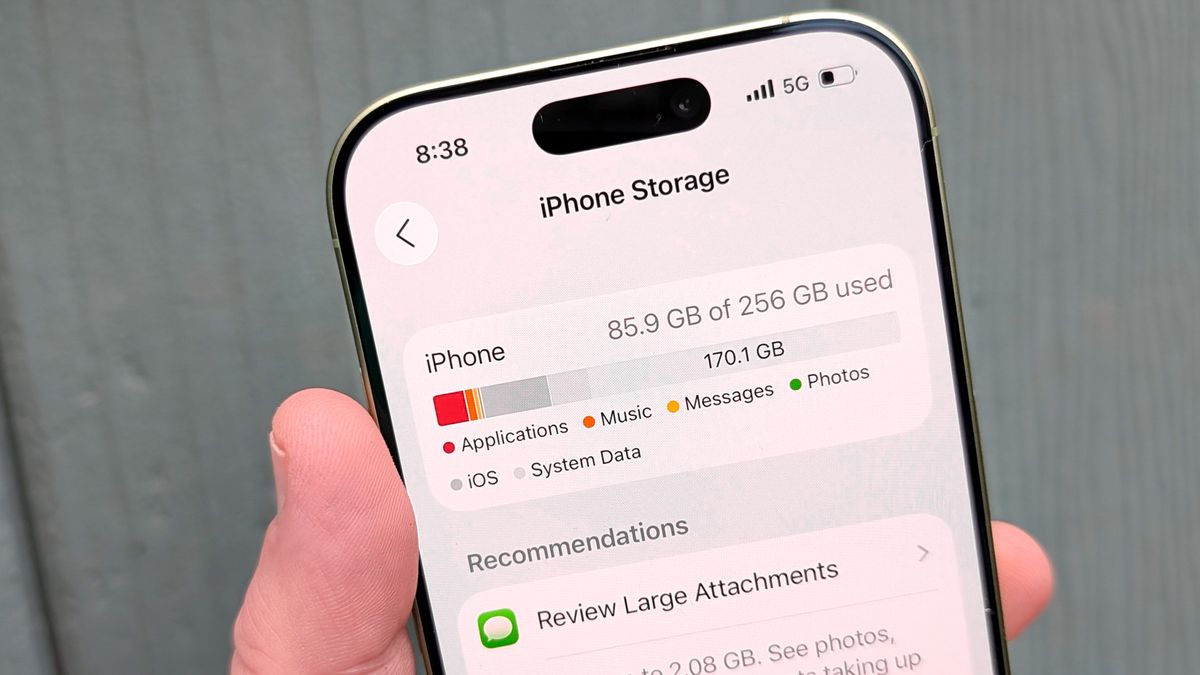
By deleting unnecessary apps, users can free up space for important documents and media.
The growing size of apps has made it crucial for users to regularly monitor their storage, especially for those without expandable memory options.
“You do not need a brand-new phone with extra gigabytes to solve this problem,” experts suggest, emphasizing the need to tackle storage traps effectively.
“Old mobile games take up an outsized amount of space relative to how often we play them,” further complicating storage issues.
Addressing these factors can significantly enhance device performance and user experience.
“Clearing cache does not delete apps but may remove saved passwords and usernames. The Files app offers sections for Large Apps, Unused Apps, and Games, letting you uninstall directly to free space for photos and videos.”